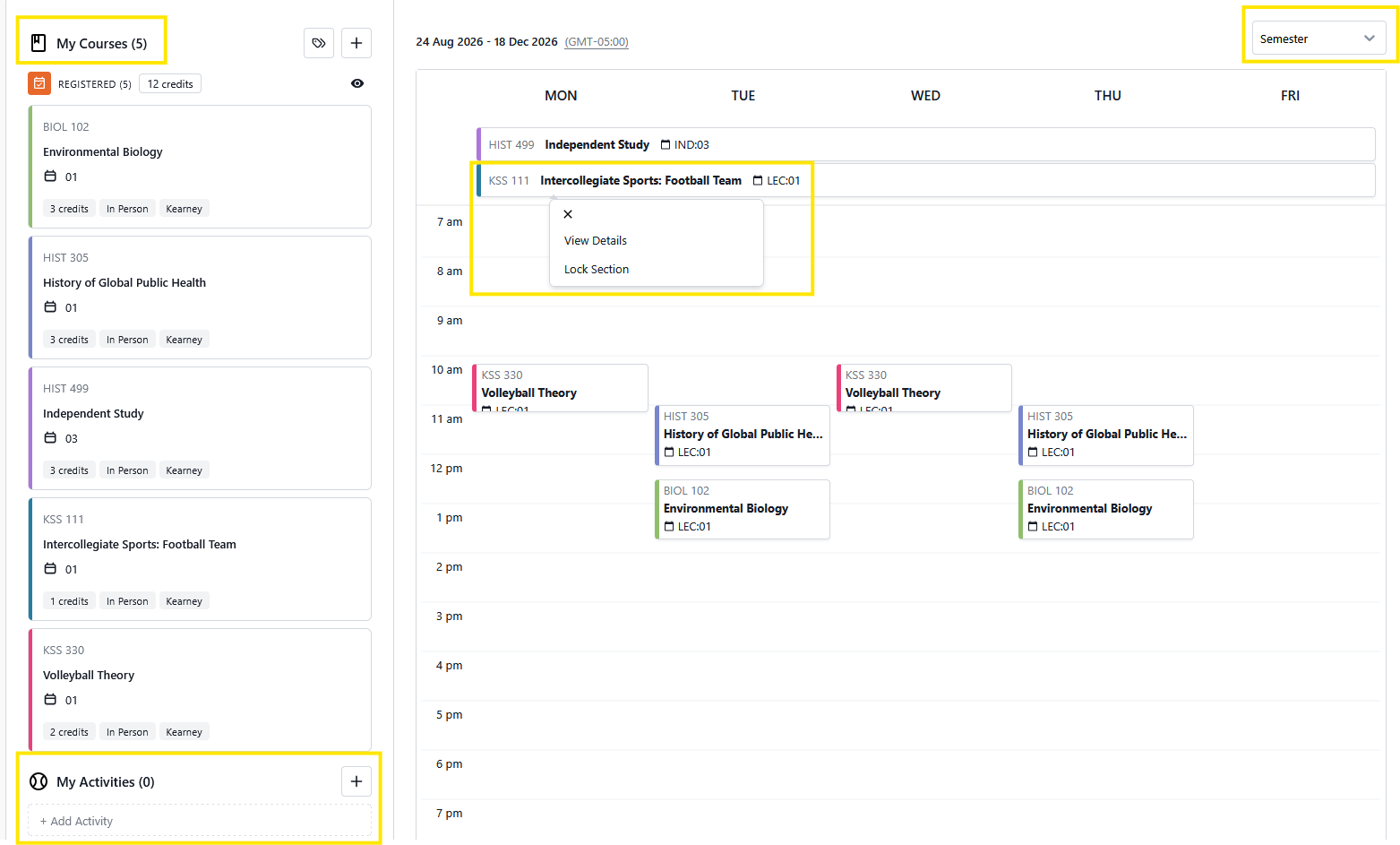
View courses and activities from the student plan in a weekly or semester long format. Additional activities can be added to reserve time in your schedule for athletics, work, volunteering, extracurricular activities, and more.
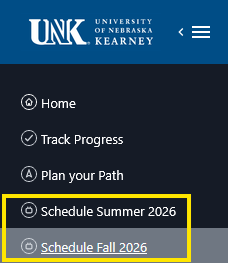
Access the Scheduler from the menu, click on the specific semester schedule. The current and upcoming semesters will be available.
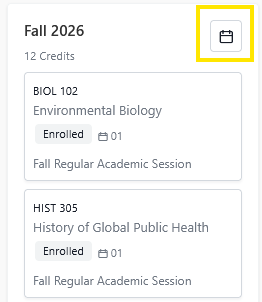
Access to the scheduler can also be made from the Student Planner. From the current or future semester, click on the calendar icon.
The Scheduler is separated into the following sections, My Courses, My Activities and Calendar view.
Example:
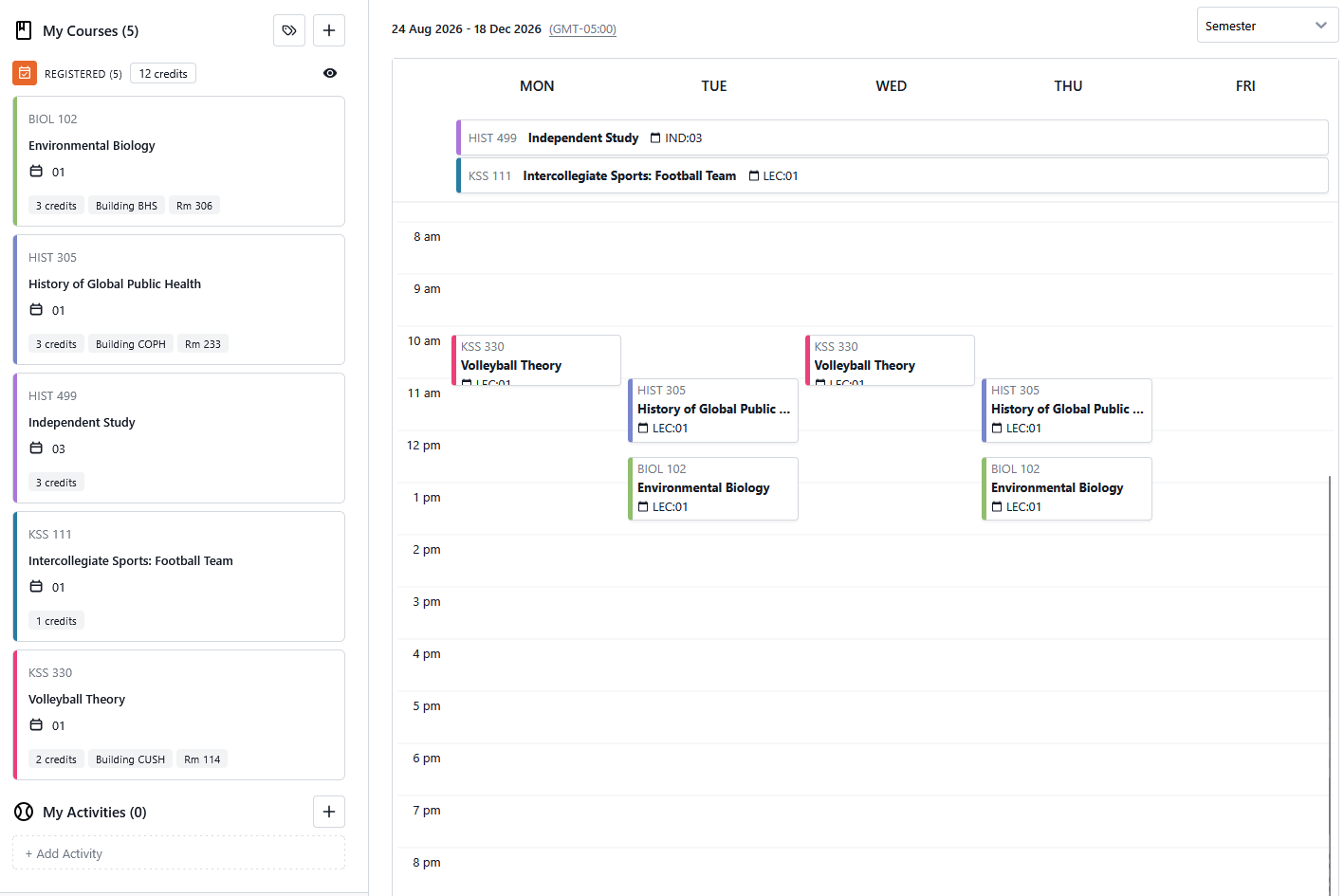
Courses that have been registered for will be listed below. Each course will be in a card format. Click on the tag icon, and select which course details to include in each course card. Details such as instructor, building, room are particularly helpful.
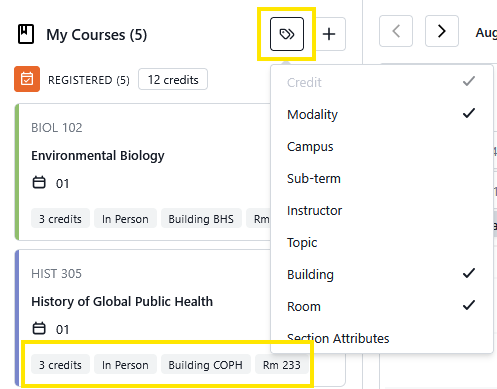
Clicking on a course card will open up a sidebar and display full course details. The same details that can be found in the course search of the Student Plan.

Activities can also be added to your schedule, similarly as in the student plan. Activities can include anything to academics to club, and athletics. Click on the + button and fill out the details to add activity to your schedule.
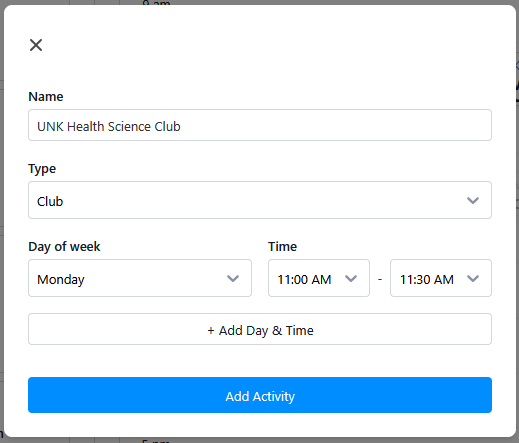
Activity types include: Work, Club, Athletics, Volunteer, Others, Co-curricular, Academic
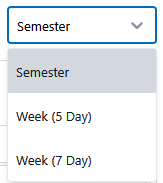
Here, all the courses and activities come together in a calendar format. Items with no set time, such as Independent studies, will display above time specific items. Click in the right hand corner to select to view the schedule by Semester, 5 Day or 7 Day week.
Clicking on the items on the calendar, you will also have the option to view it's details.