Each semester there is a period of Academic Advising that takes place for students to consult with their advisors on items such as course registration to future career planning. Scheduling your appointment for Advising can be done through Stellic.
Advisors create "Time Blocks" or periods of time in their schedule that is set aside for advising appointments. Students schedule academic advising appointments based off the availability of the advisor and what works best for them.
Appointments Tutorial:
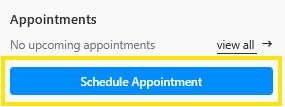
To schedule a meeting with your assigned advisor, click on the "Schedule Appointment" button that appears in your Student Home view.
Other locations from which you can access appointment scheduling.
Track Progress (your degree audit page)
If you have an envelope icon on your Track Progress view, you will find a button to schedule an appointment in the chat sidebar.
You may also see a scheduling icon next to your advisor's name.
Schedule view: Appointment scheduling is also available on the right-hand menu.
Note:
The calendar icon used to schedule an appointment with your advisor will only be visible if your advisor has made times available for appointments on their calendar.
Clicking on the "View all" link in the appointments box will bring up all past and upcoming appointment details.
After clicking “Schedule Appointment” a popup page will display.
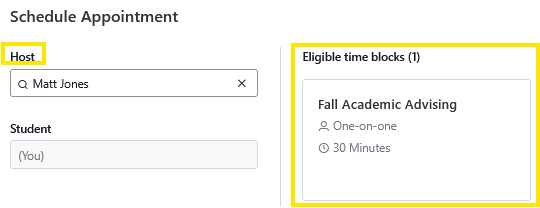
Select your advisor from the Host drop down.
Click on the time block of your advisor to review date and time availability.
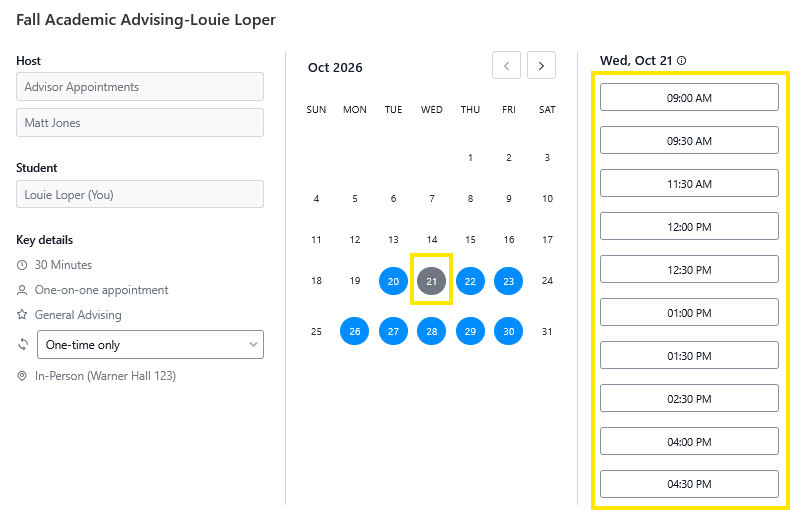
Dates shown in blue indicate available days. Clicking on the blue date will fetch the available appointment times on that specific date. If the advisor is fully booked, you will have to try another blue date.
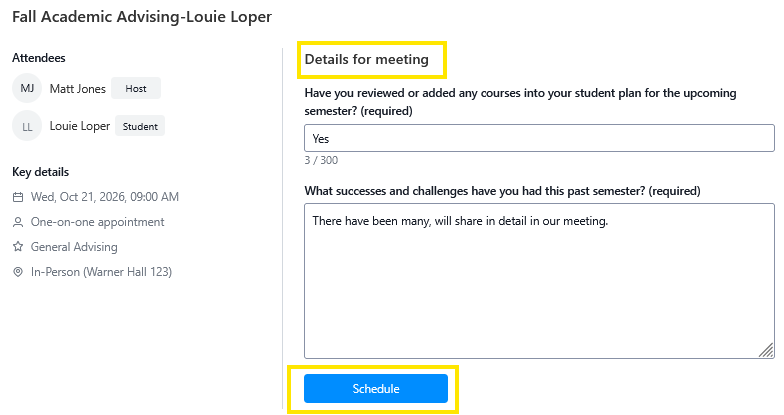
Select a date and time that works for you. If the advisor has set questions they would like answered before the meeting, here is where you would complete those. click on "schedule" to finalize the appointment.
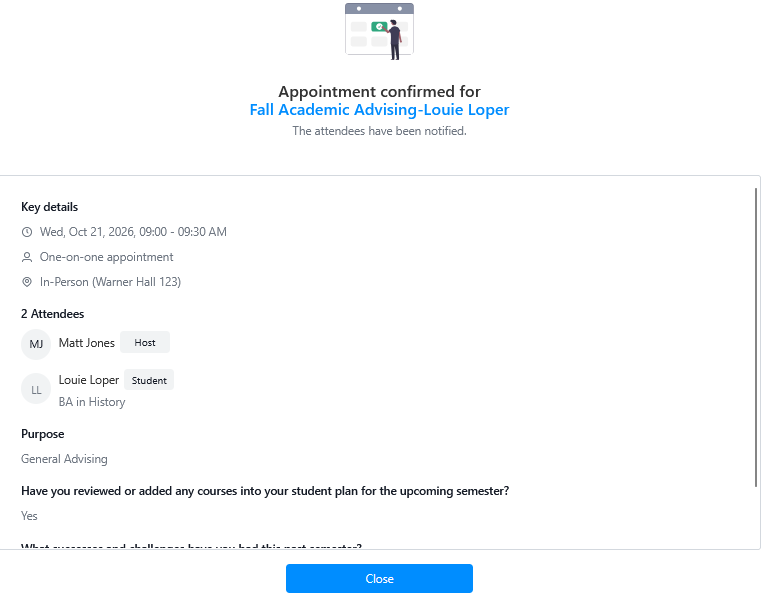
An appointment confirmation will then appear.
 After the appointment has been scheduled, you will also receive an email confirmation.
To review past and upcoming appointment details, the Appointment link in the left hand menu, as well as the Appointments content block in the Student home hold that information.
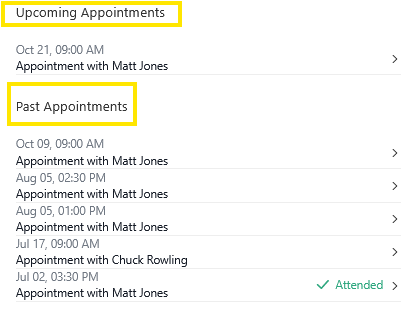
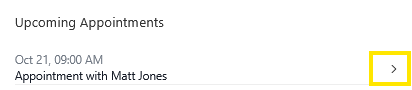
If you need to reschedule an academic advising appointment you can do so by access the "Appointment" tab from the lefthand navigation menu. A sidebar will appear, under the "Upcoming Appointments" section, click on the appointment you wish to reschedule.
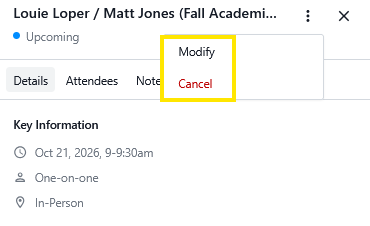
In the appointment details, click the "Modify" button to reschedule and pick a new date or time. Clicking "Cancel" will cancel the entire appointment. The rest of the appointment details are below.
Connect your lopers.unk.edu email to keep your availability up to date outside of your course hours and have the advising appointments you schedule appear on your Outlook calendar.