Quick Filters
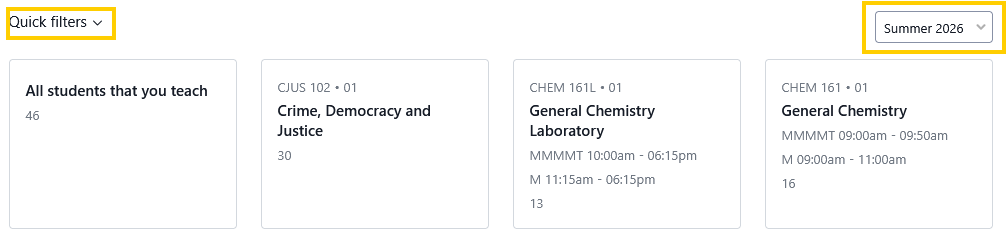
These are default searches/reports that do not need to be created by an advisor and are available in the Students search page.
- The quick filters include “All students that you teach” A report that places all the students that are in enrolled in any course the advisor teaches.
- Additionally, each individual course has its own report.
- Tip: Quick filters are sorted by semester. The current semester and the upcoming semesters are available to view.
- Additionally, custom searches can be saved as reports. Favorited reports can be “Pinned” or saved to the advisor Home