

Browse and search through available course data for in-depth course information. There are several search filter options available that are useful in the advising and planning process.
Course Filter Types:
| Keywords | Semester | Counts For | Section | Instructor |
| Department | Attributes | Campus & Delivery Mode | More Filters | Course Demand Report |
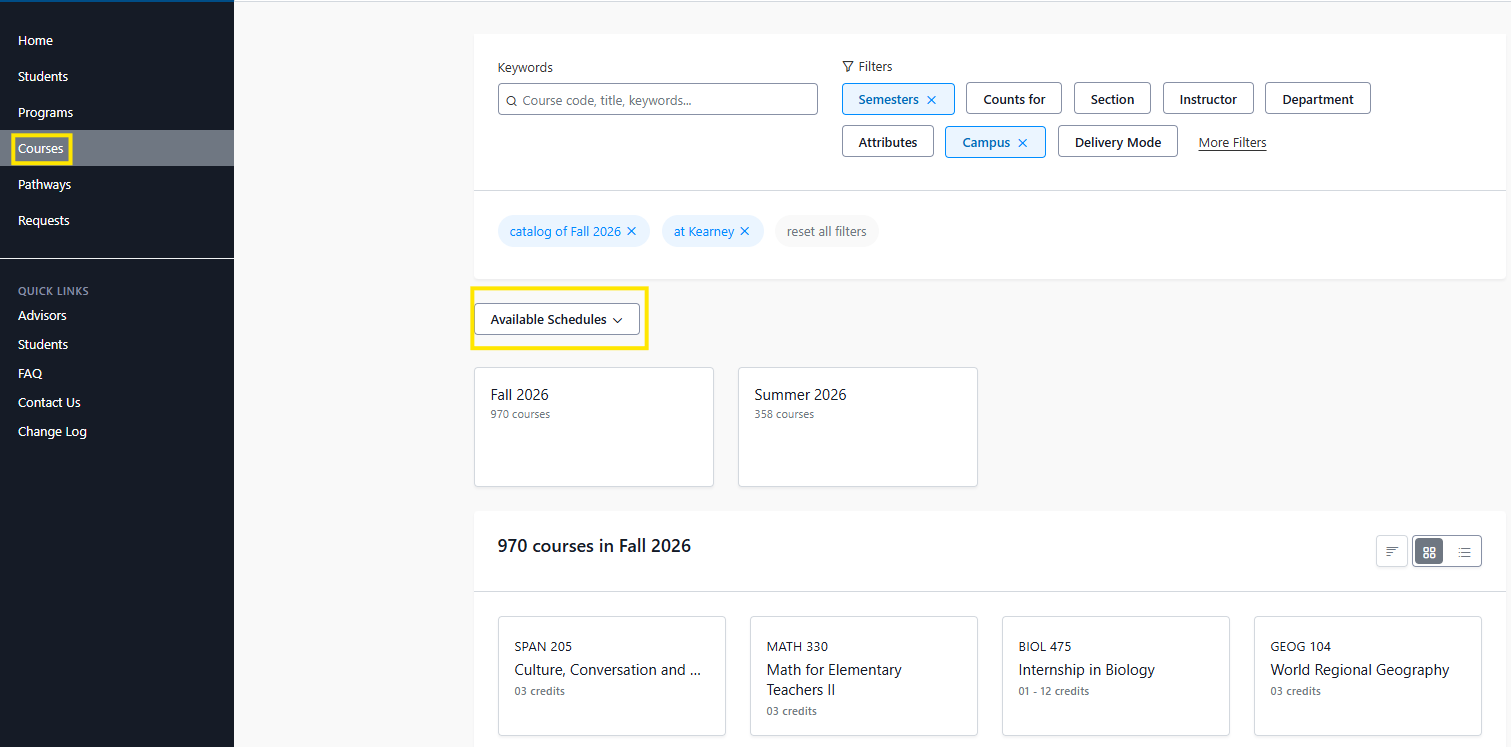
Individual courses can be identified by the semester they are offered. By clicking on the "Courses" tab in the navigation menu, browse courses available by semester.
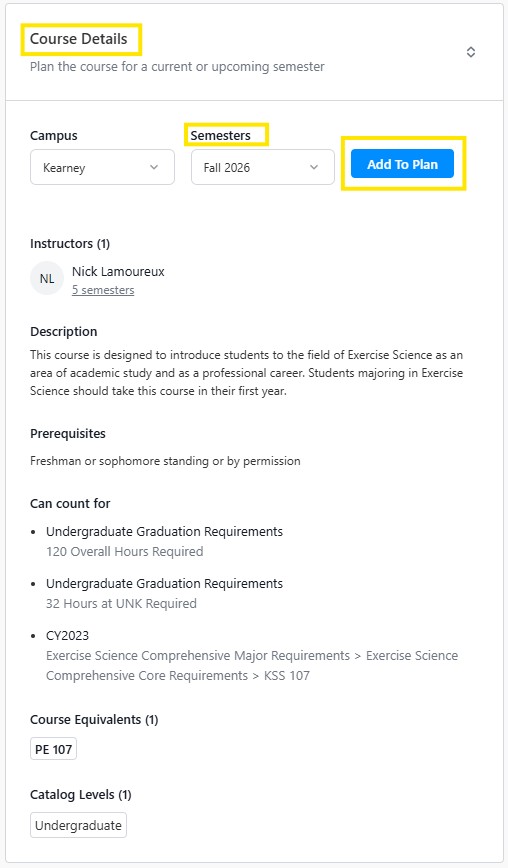
When a course has been selected, course details are provided such as campus, Semesters offered, Instructors, Course Description, Prerequisites, Can count for (institutional & program requirements), Equivalents and Catalog level. These attributes are used in course search filters. When a semester is chosen, the course can be added to the student's plan.
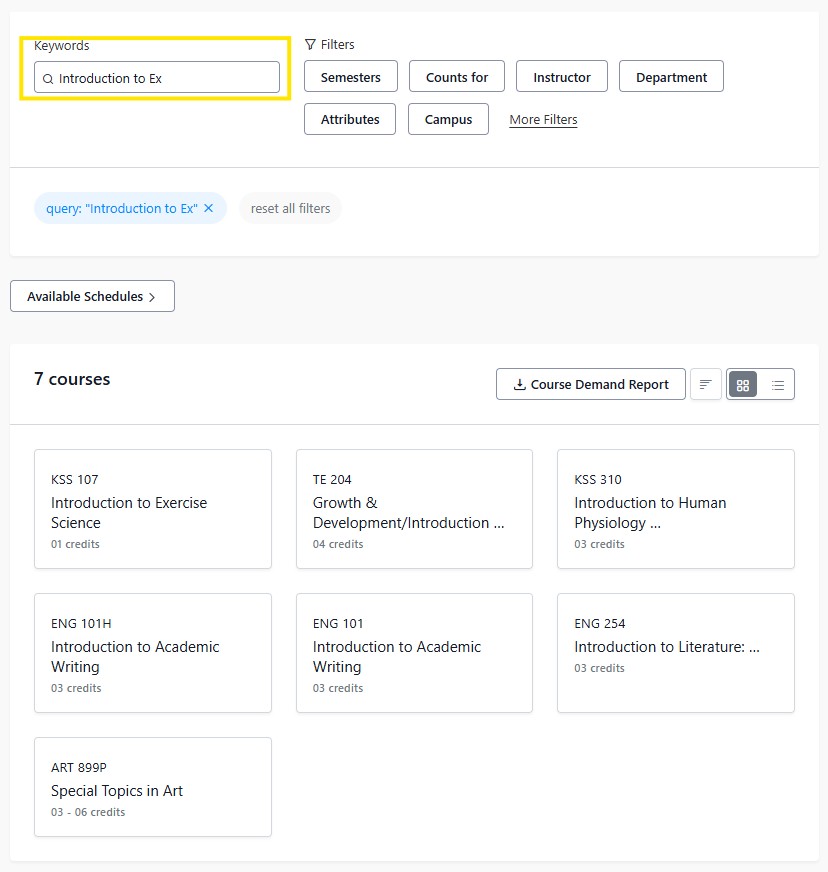
Keyword Search: Searching courses can be done by subject prefix, course number and course title.
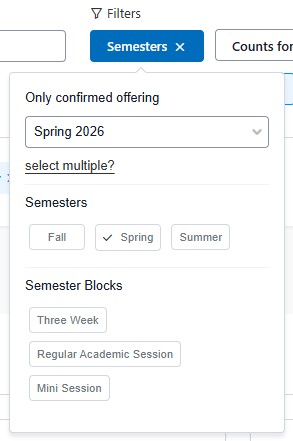
The semester filter allows courses to be identified by Fall, Spring, Summer offerings. Additionally, semester blocks such as three week and mini session courses can be selected. Multiple semesters can also be searched simultaneously.
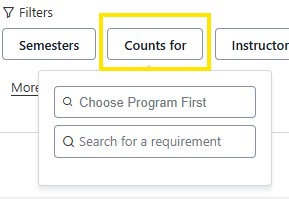
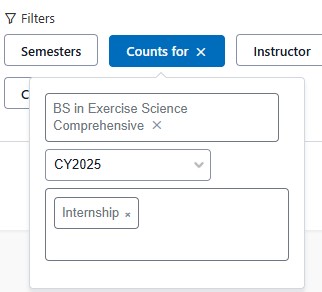
The Counts For Filter allows advisors to search for courses based on specific program requirements. When the filter is selected, begin by typing in the title of the program. A populated list of programs will display until a selection has been made. Next choose the audit version (catalog year) the student is currently enrolled in. Then search for a requirement, ex. Internship, Core GPA, Experiential learning etc.
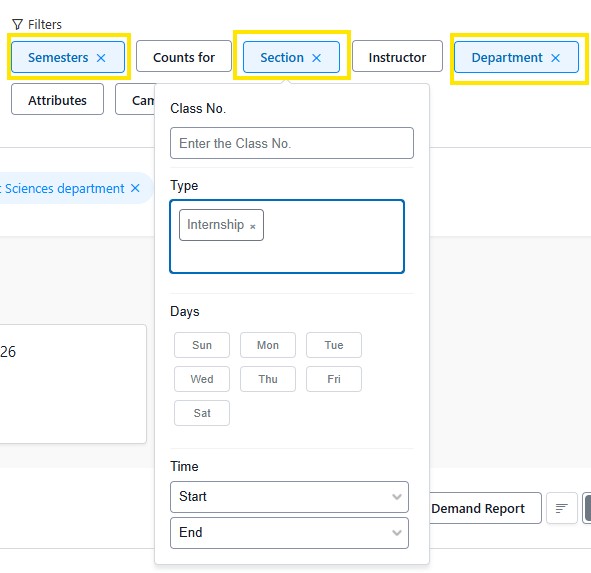
Course sections can also be identified by selecting multiple filters such as Semesters, Department, etc. When the Department is selected, then searching for class number, class type (internship, seminar, independent study and more). Days and times are also options in the filter.
The instructor filter should be used in combination with Semesters and department filters. This will provide search results for courses being taught with a specific instructor. If the semester filter is not also selected, the results will include a history of the courses an instructor taught.
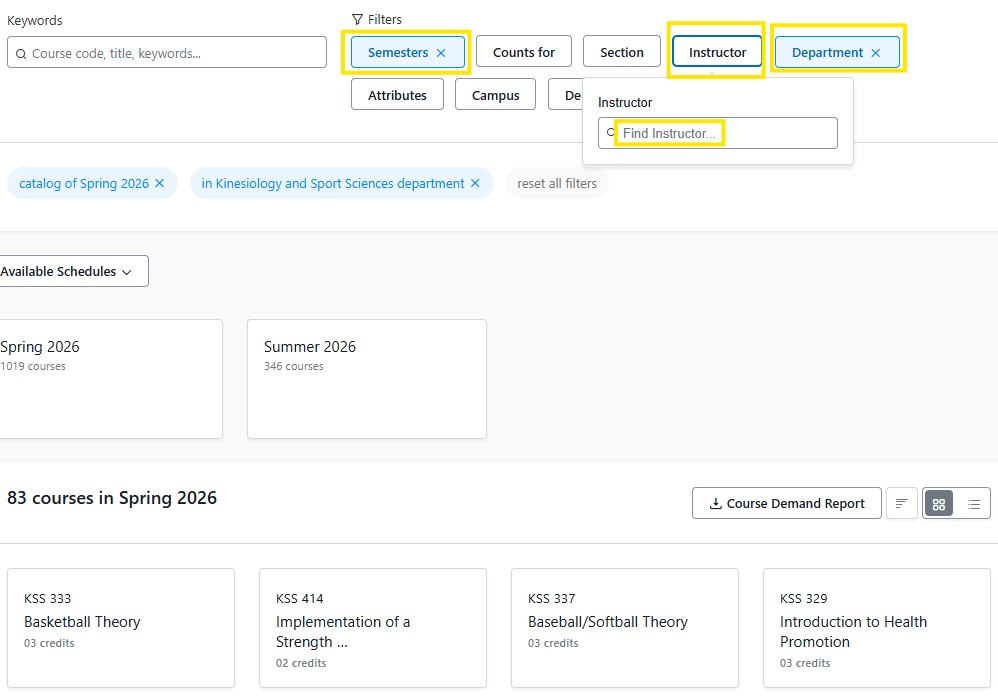
To view courses available by department, the semester filter will also need to be selected.
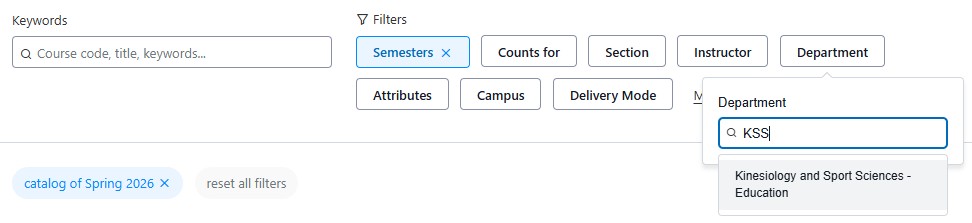
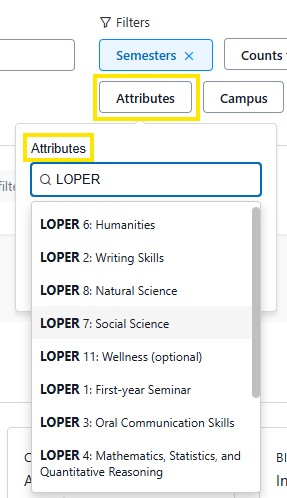
Attributes are defining elements that describe courses, and what requirements they can satisfy in the degree requirement. Common course attributes are: Experiential Learning, LOPER courses, Upper Division, General Studies.
Tip: The attributes filter should be selected with the semester filter.
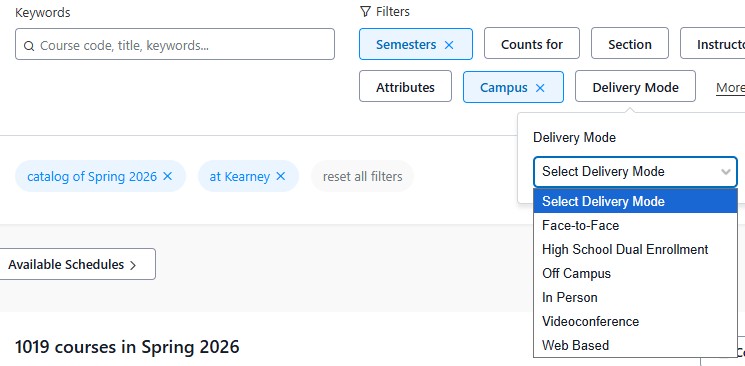
Campus filter allows you to view courses that take place on UNK's Campus. When the Semester's filter is selected the Delivery Mode filter is made available. Delivery Mode lists courses that are available in a variety of in person or distance options.
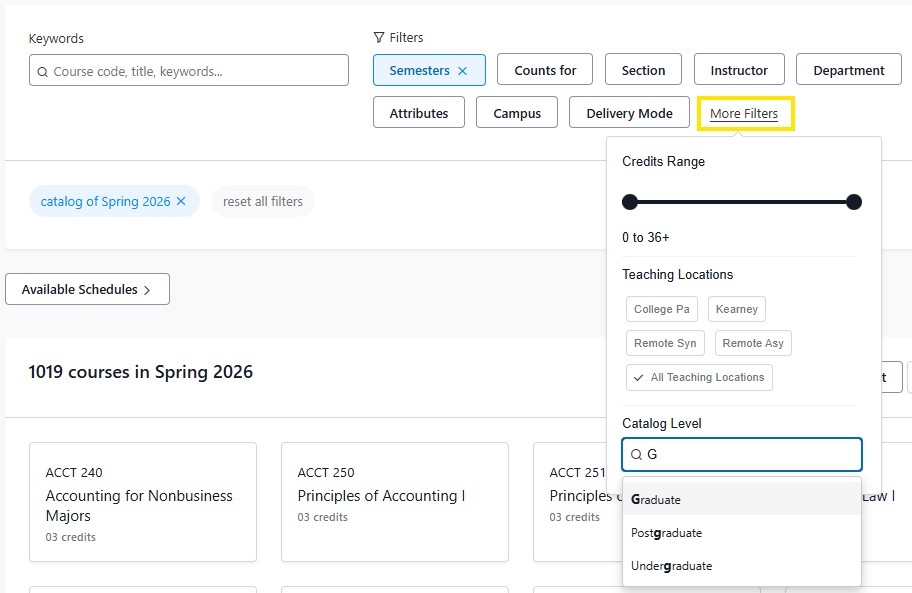
This link provides access to search for courses by credit range, teaching location and mode as well as catalog level.
The Course Demand Report provides a list of all UNK courses taught and a term enrollment numbers. There are three course demand report types.
The Course Demand Report is available upon request unkstellic@unk.edu





