

Identify students that are assigned to a specific advisor as well as students that do not have one assigned to them. Included Search Criteria:
Search results can be saved a report.
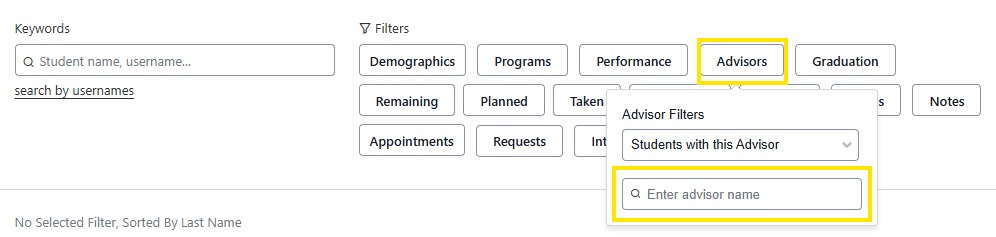
Students with this Advisor

Then enter the name or NUID number of the Advisor to view results
Students with No Assigned Advisor
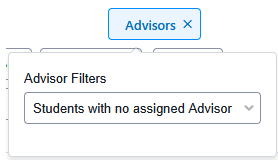
Results in New Admit Undergraduate where Academic Advising has not assigned an advisor. Or non-degree students.





