The Programs filter allows advisors to identify student groups by program related criteria.
Search Criteria includes: Programs (Academic Plan Major/Minor etc), Catalog year, program level (career), declaration status, certified (graduated).
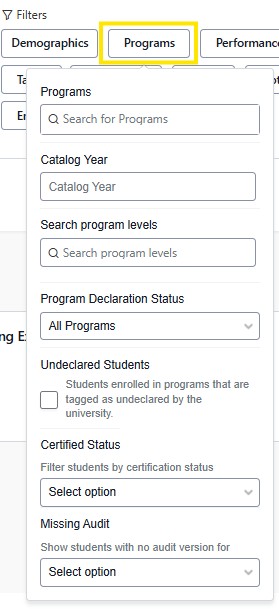
Programs: The search field will auto populate possible results as you type.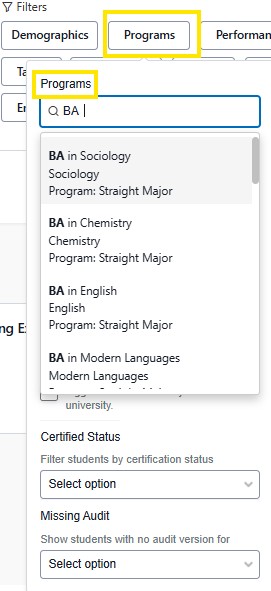
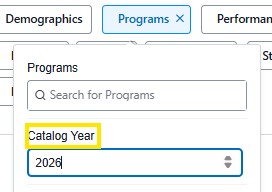
Catalog Year: Narrow down your search by entering a specific catalog year.
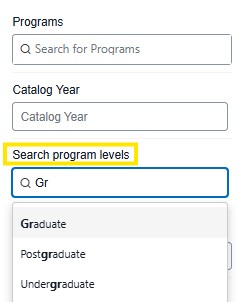
Program Level: Select student career, Undergraduate, Graduate,
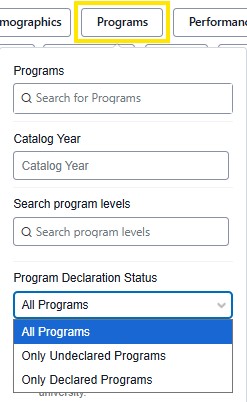
Program Declaration Status: ** Must be used with a program
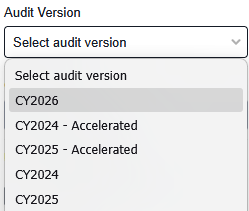
Audit Version: Catalog Version of the Program
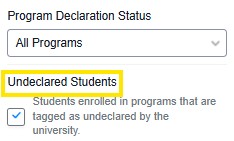
Undeclared Students: Students that are enrolled in a program that are undeclared. This identifies students that are Non-Degree seeking.
Certified Status: This search identifies students that have completed a program and graduated. Students remain in certified status for 2 years until they are archived in Stellic. When making the selection, you can designate certified status based on all or at least one declared programs.
Tip: The Exclude Selected program, filters out students who are certified. This is helpful when searching a specific program to view students who have declared that program, as the current enrolled students will be identified in the results. 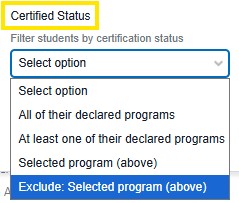
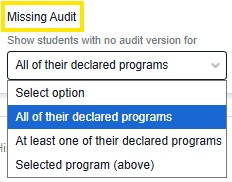
Missing Audit: Shows students with no audit of with the options of, all of their declared programs, at least one of their declared programs, selected program (above).
Example: Nondegree students will never have an audit. Or students on old catalogs who have completed their programs.